
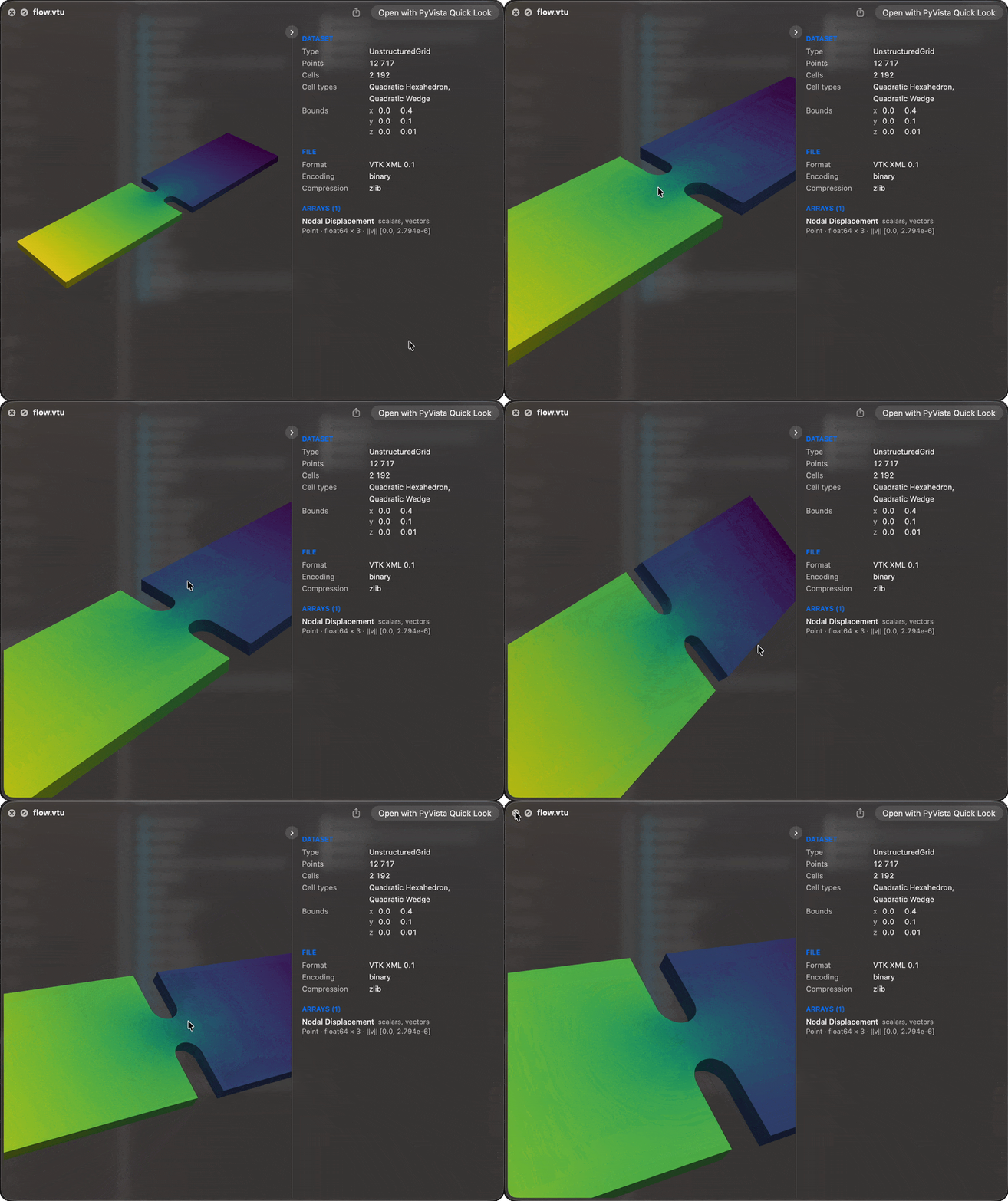
Press the space bar on a mesh file in the Finder and turn it with the mouse, the same
way macOS already previews .ply and .obj models. Over 80 formats PyVista reads are
claimed, each shown coloured by its active scalars with a panel of what the dataset holds
beside it.
macOS 15 or newer. Nothing else needs to be installed first.
curl -LsSf https://github.com/pyvista/pyvista-quicklook/releases/latest/download/install.sh | shThen select a .vtu, .vtp, or .vtk file in the Finder and press space.
A preview is for a quick look, not for measuring: a large surface may be thinned and a volume cut into slices, while the dataset panel describes the file itself.
pyvista.github.io/pyvista-quicklook
- Install: from PyPI, what the installer does and where things go, uninstall
- Using the preview: turning the surface, the dataset panel, fast previews with pyvista-zstd
- Settings: themes, every setting, native formats
- Supported files: every claimed extension
- How it works: the render service, cache, large files
- Troubleshooting and Commands
Developing or releasing PyVista Quick Look is described in CONTRIBUTING.md.