
Opinionated, automated XFCE desktop configuration for Debian, Alpine, and Arch. Because reinstalling your OS shouldn't mean spending two hours clicking through settings.
Versao em portugues brasileiro disponivel em README-pt-br.md
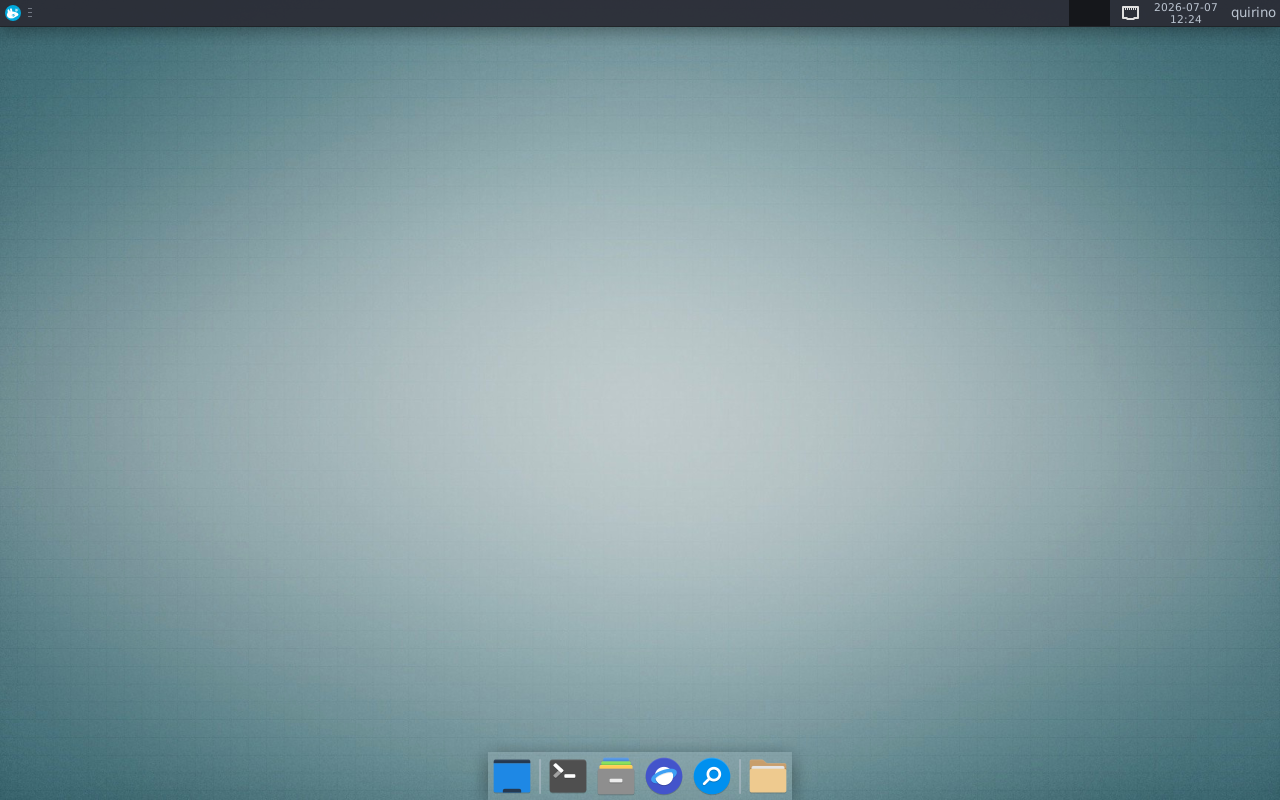
We already have plenty of mods and styles for our desktops. But I usually need to reinstall and reinvent my usability choices from scratch, and I don't want to use any of the available "Refisefuquis"1 out there. QXDC is my answer: a reproducible, non-interactive desktop configurator that does exactly what I want and nothing else.
QXDC turns a fresh Linux install into a productive XFCE desktop in minutes. No GUI wizards, no dumb questions, no Swiss landscape wallpapers nobody asked for.
It installs packages, configures themes, adjusts panels, deploys dotfiles, enables services, and removes bloat. All via CLI, all reproducible, all versioned. Works on Debian, Alpine, and Arch.
| Family | Distros | Pkg manager | Profile |
|---|---|---|---|
| Debian | Debian 12+, Ubuntu 22.04+, Mint, Pop | apt | full, minimal, lab |
| Alpine | Alpine 3.24+ | apk | alpine-live |
| Arch | Arch, Manjaro, EndeavourOS | pacman/yay | arch-live |
git clone https://github.com/luizfpq/QXDC.git
cd QXDC
./install.sh
The installer detects your distro, suggests the right profile, and guides you through the process. It shows what will be done before executing.
Flags:
./install.sh --auto— skip questions, detect everything automatically./install.sh --dry-run— preview without executing
apk add git bash
git clone https://github.com/luizfpq/QXDC.git && cd QXDC
./install.sh
The alpine-live profile installs the full desktop stack: Xorg, XFCE4, LightDM, Pipewire, NetworkManager, drivers, theme, and apps. It takes Alpine from a bare base system to a complete graphical desktop.
git clone https://github.com/luizfpq/QXDC.git && cd QXDC
./install.shsudo apt install git
git clone https://github.com/luizfpq/QXDC.git && cd QXDC
./install.shRun individual modules:
./qxdc.sh packages install --profile full --yes
./qxdc.sh desktop theme --profile full --yes
./qxdc.sh system services --profile alpine-live --yes
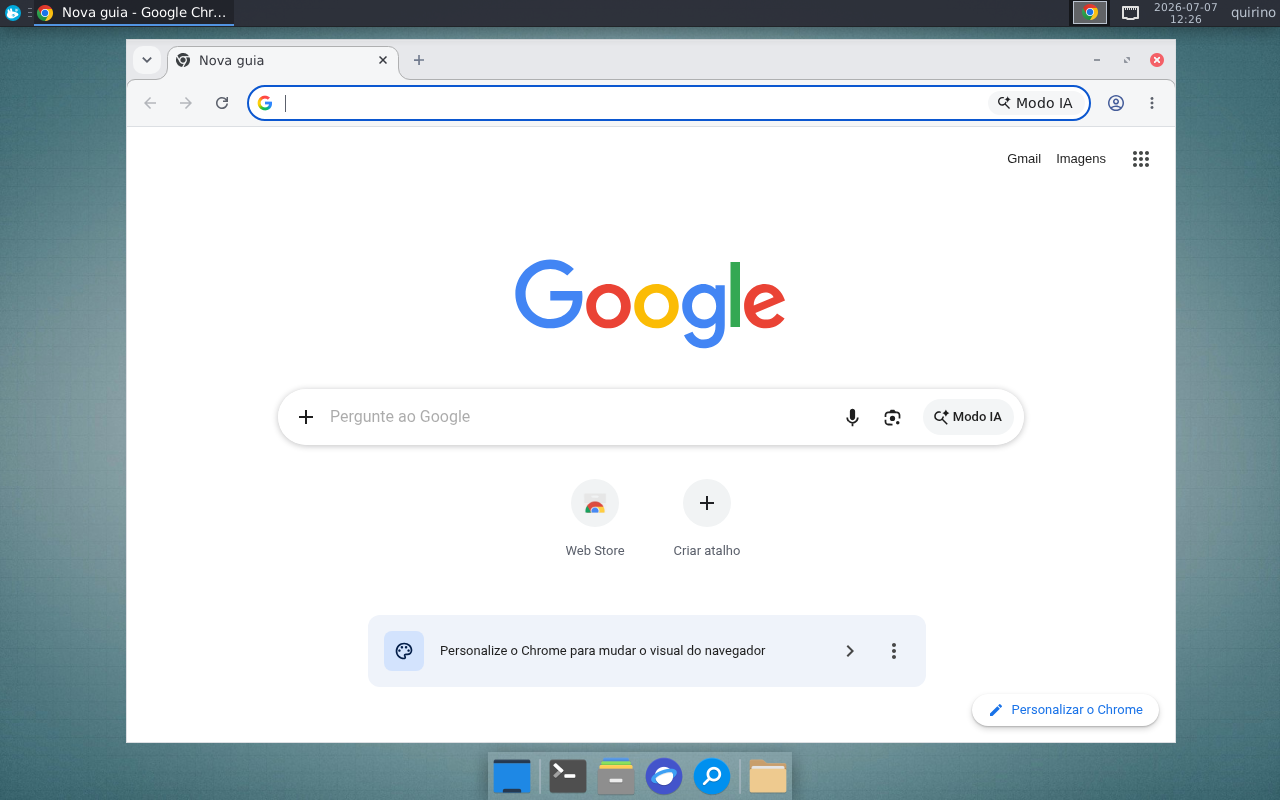
./qxdc.sh apps browser --profile full --yes
Preview before running:
./qxdc.sh all install --profile alpine-live --dry-run| Desktop | Apps |
|---|---|
|
 |
| Chrome | LightDM |
|---|---|
 |
 |
| Item | Value | Source |
|---|---|---|
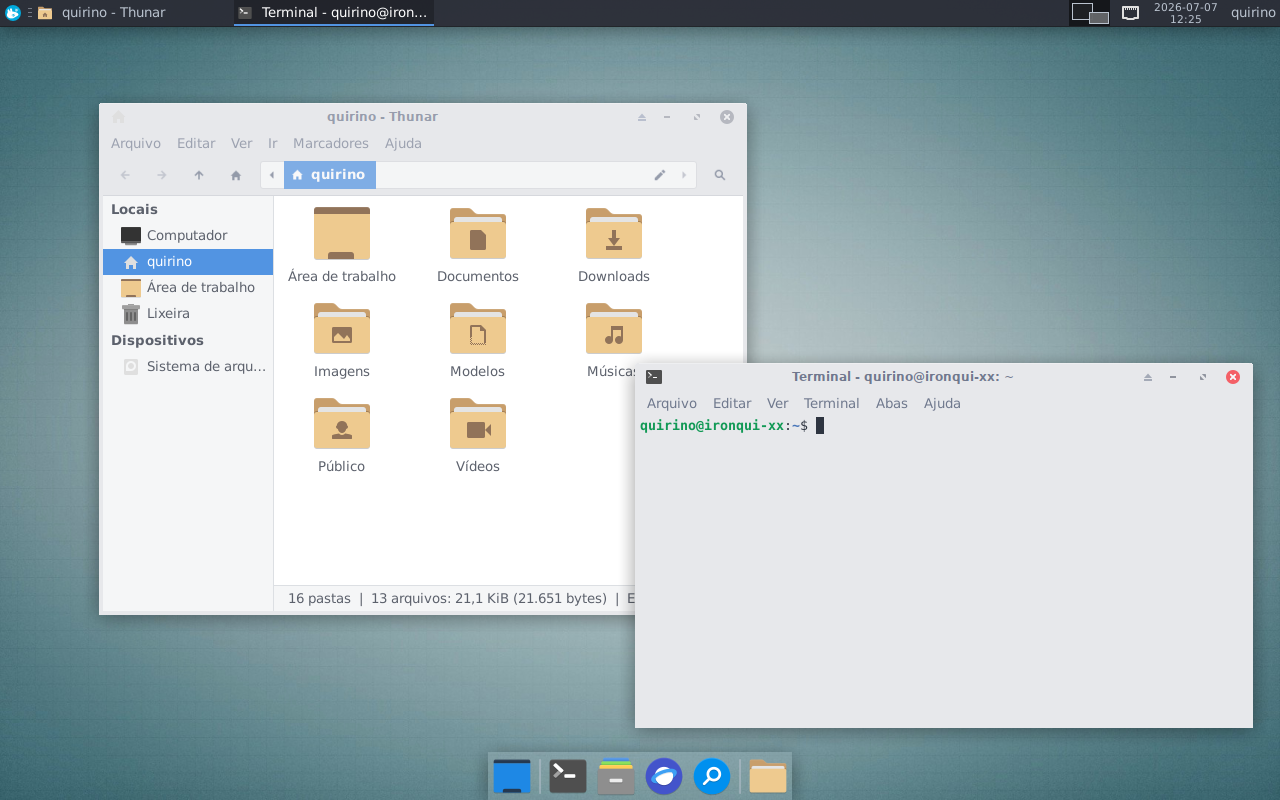
| GTK/WM Theme | Arc-Lighter | jnsh/arc-theme |
| Icons | Papirus-Dark | PapirusDevelopmentTeam/papirus-icon-theme |
| Folder Colors | paleorange | PapirusDevelopmentTeam/papirus-folders |
| Terminal Colors | Nighty-Lighter | Based on Gogh-Co/Gogh |
| System Fetch | fastfetch | fastfetch-cli/fastfetch |
| Font | Noto Sans 10 | Google Noto Fonts |
| Mono Font | Hack Nerd Font Mono 10 | ryanoasis/nerd-fonts |
| Panel 2 | Dock with ~12% opacity | |
| Wallpaper | QXDC-docs/main-wallpaper.jpg | |
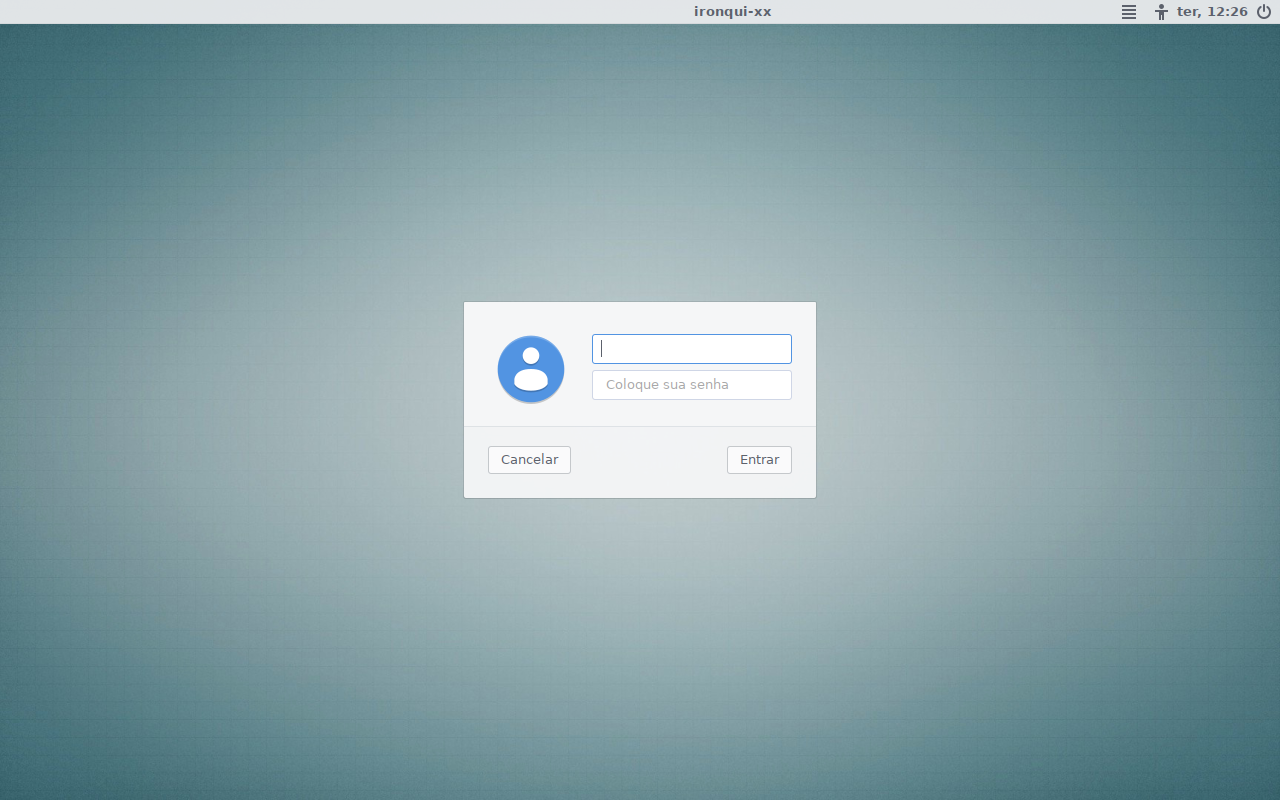
| LightDM | Same wallpaper + Arc-Lighter |
QXDC/
├── install.sh               # Interactive installer (v2.3+)
├── qxdc.sh                  # CLI entrypoint (advanced usage)
├── lib/
│   ├── common.sh            # Logging, colors, flags, run(), run_sudo()
│   ├── distro.sh            # Distro detection, pkg_install/remove/update
│   └── config.sh            # YAML-like config parser
├── modules/
│   ├── packages/            # install.sh, purge.sh
│   ├── desktop/             # fonts.sh, theme.sh, settings.sh, wallpaper.sh
│   ├── apps/                # browser.sh, editor.sh, fastfetch.sh, ...
│   ├── dotfiles/            # files/ (ready-made configs)
│   └── system/              # services.sh, hardware.sh, nvidia.sh
├── config/
│   ├── defaults.yml         # Default configuration (Debian)
│   ├── profiles/            # minimal, full, lab, alpine-live, arch-live
│   └── packages-map/        # Debian->Alpine/Arch reference mappings
├── CONTRIBUTING.md          # Guide for adding distros and modules
└── tests/
    └── shellcheck.sh        # Lint
| Profile | Target | What it does |
|---|---|---|
full |
Debian with XFCE | Complete productive desktop, everything configured |
minimal |
Debian with XFCE | Bare minimum packages, no visual changes |
lab |
Debian VM | Debug tools, no visual frills |
alpine-live |
Alpine (bare) | Full stack: Xorg + XFCE + LightDM + drivers + services + apps |
arch-live |
Arch (bare) | Full stack: same as alpine-live but with pacman package names |
| Flag | Effect |
|---|---|
--dry-run |
Preview without executing |
--yes / -y |
Skip confirmations |
--verbose / -v |
Detailed output |
--profile <p> |
Select configuration profile |
QXDC detects the running distro and adapts:
- Package manager: apt (Debian), apk (Alpine), pacman/yay (Arch)
- Privilege escalation: sudo (Debian/Arch), doas (Alpine), or none if already root
- Service management: systemd (Debian/Arch), OpenRC (Alpine)
- Repositories: enables contrib+non-free (Debian), community+testing (Alpine)
- Debian-only modules: stremio, heroic skip gracefully on other distros
The system nvidia module installs NVIDIA drivers using the official NVIDIA repository (Debian only).
./qxdc.sh system nvidia --yes
./qxdc.sh system nvidia --driver proprietary --yes
./qxdc.sh system nvidia --mode compute --yesWhen a module fails, QXDC shows:
- The module's exit code
- The last 5 lines of stderr inline
- A final summary listing all failed modules
Logs are written to /tmp/qxdc-YYYYMMDD-HHMMSS.log. Per-module logs available in /tmp/qxdc-modules/ when using all install.
| Symptom | Cause | Fix |
|---|---|---|
| "DBUS_SESSION_BUS_ADDRESS not defined" | Running outside XFCE session | Run desktop modules after logging into XFCE |
| "sudo/doas: command not found" | Neither installed | Install one, or run as root |
| "doas: a tty is required" | Non-interactive session with persist |
Use permit nopass :wheel in doas.conf or run as root |
| Desktop modules fail but packages works | No graphical session | Expected. Packages install first, theme applies after login |
| "no such package" on Alpine | Missing testing repo | QXDC enables it automatically via enable_nonfree_repos |
See CONTRIBUTING.md for instructions on adding support for new distros, creating profiles, and writing modules.
QXDC started in 2021 as a monolithic bash script. Version 2.0 was a ground-up rewrite: modular, declarative, non-interactive. Version 2.1+ expanded to Alpine and Arch, making it a truly distro-agnostic desktop configurator.
| Repo | Status | Role |
|---|---|---|
| QXDC-docs | Active | Static assets (wallpapers, screenshots) |
| lftk | Active | Complementary toolkit (server/infra) |
| ironqui | Archived | Previous Ansible attempt (absorbed into QXDC 2.0) |
MIT
1 Refisefuquis — "Release de Fim de Semana e Fundo de Quintal". Weekend hobby distros with no support, no innovation, no purpose. QXDC is proudly one of these, except this one actually works.