

This project is for demonstration and testing purposes ONLY, to promote this packaging format to EEO. Consider this package as "experimental" or "testing". I also invite you to request them to release an official AppImage, and if they agree, you can show this repository as a proof of concept.
This wrapper is licensed under the GPL-3.0-only license.
ClassIn is a registered trademark of Empower Education Online Ltd. (EEO). This project is community-maintained and is not affiliated with, supported, or endorsed by EEO.
This is an unofficial AppImage wrapper for ClassIn, using quick-sharun to package it
Since ClassIn only officially provides .deb packages (which cannot be installed directly on Red Hat, SUSE, Arch, Gentoo-based, or immutable Linux distributions), this wrapper packages and extracts the official .deb binaries when user builds the AppImage.
- ✅ Fixed: Screen sharing does not work on Wayland: Thanks to @collyn to setting up a Wayland screen-sharing bridge. The app now can share the screen on Wayland seamlessly. See PR #3 and Issue #2 for more info.
If you encounter any other issues, please report them on GitHub Issues.
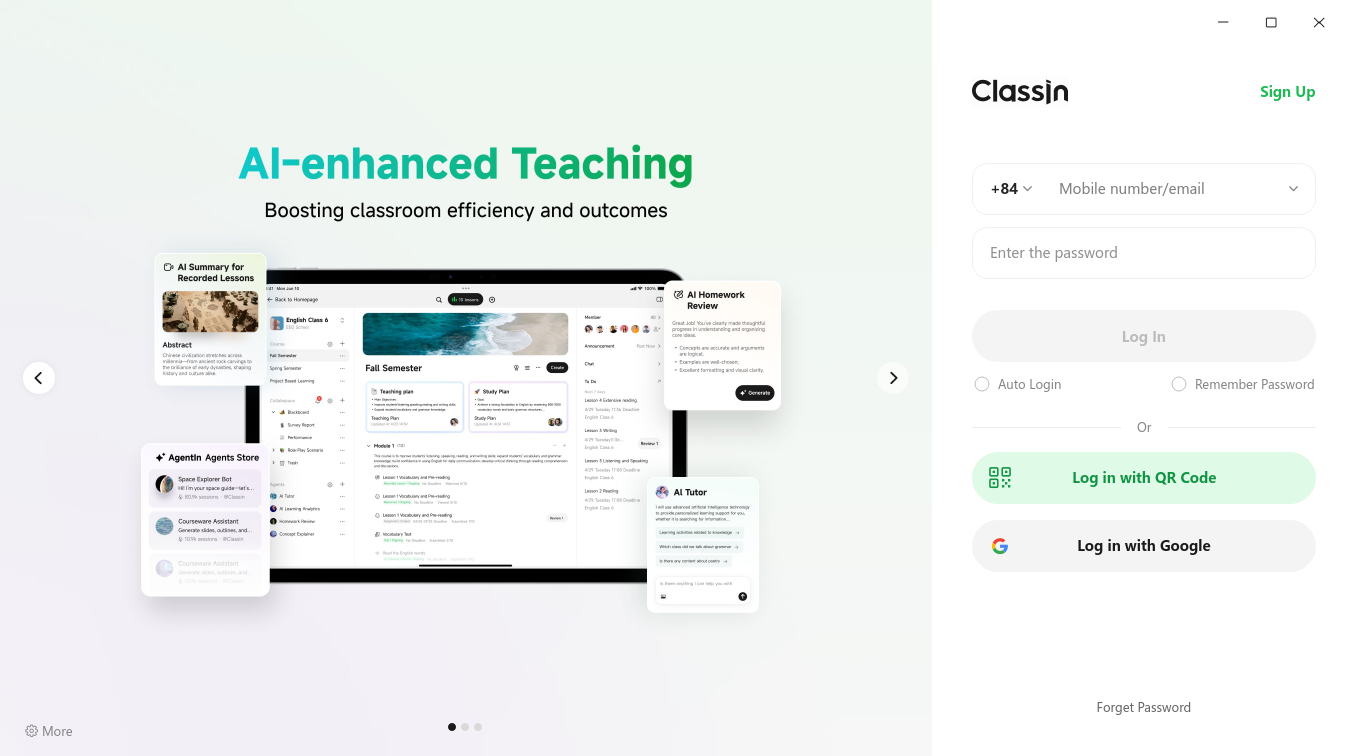
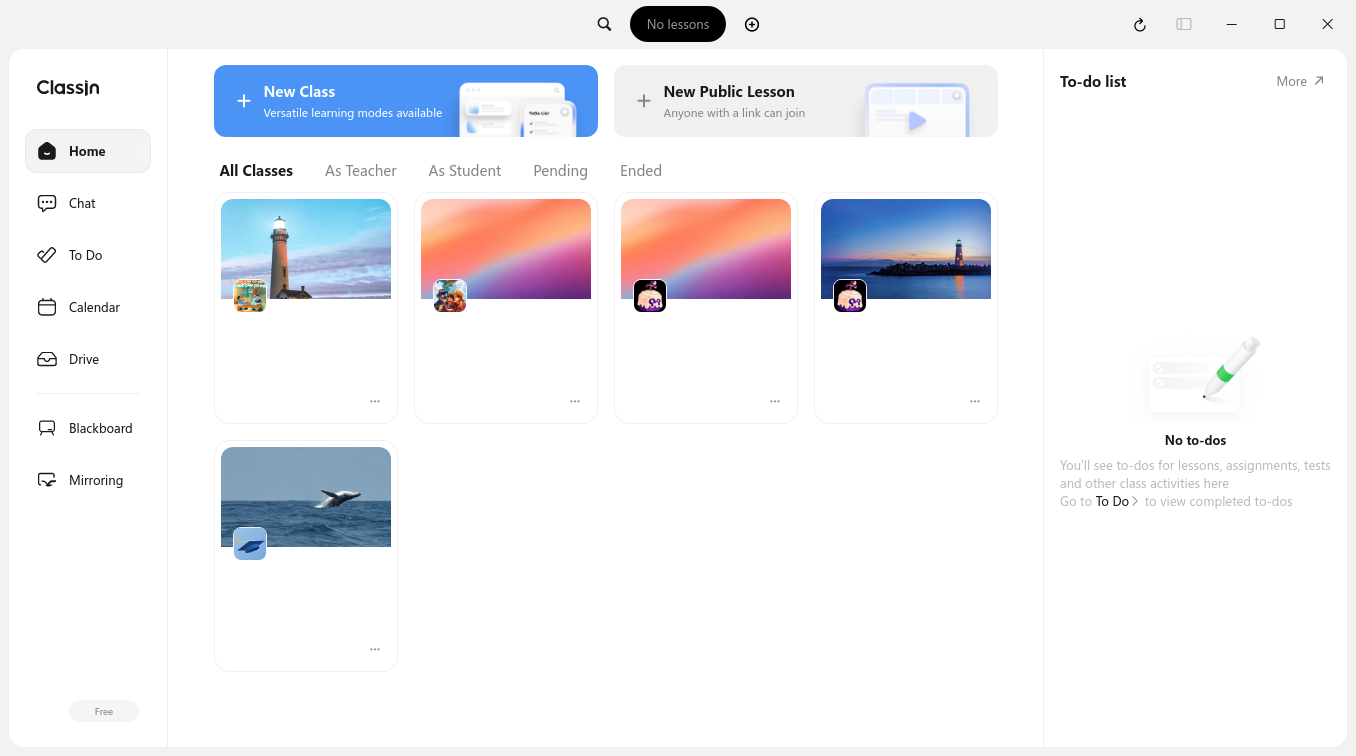
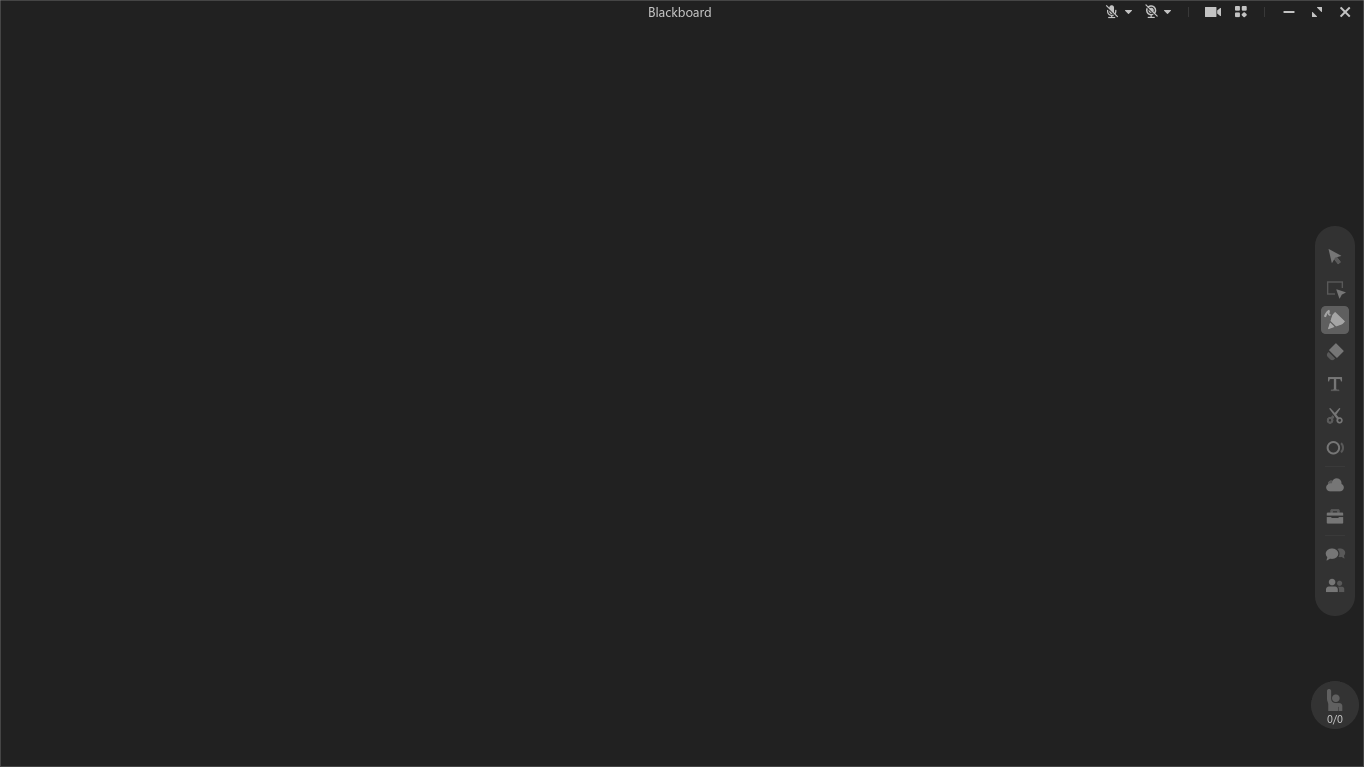
Here is the screenshots of the app:
- ClassIn login interface:
- ClassIn main interface:
- ClassIn blackboard:
Before installing or building this package, ensure your system meets the following requirements:
- Linux: ANY versions, because this is a quick-sharun based AppImage
- Display Server: X11 (recommended) or Wayland (with limitations)
- glibc: 2.38 or later, because it is NOT an Anylinux AppImage
- Architecture:
x86_64oraarch64 - Tools:
jq,sha256sum,stat,wget,tar,ar,make,zsync,libx11-dev,libxcb1-dev,libxcb-shm0-dev,libxext-dev, from your distro - Gear Lever (optional): Lastest version from Flathub
- AM/AppMan (optional): Lastest version from iVAN's repo
I recommend using Gear Lever or AM to integrate the AppImage into your system menu.
- Download the latest
.AppImagefile from the Releases page. - Install these dependencies for Wayland screen sharing (optional):
xvfb,xdotool,xrandr,python3withpython3-dbus+python3-gi,gstreamer1.0-plugins-base+gstreamer1.0-plugins-bad, from your distro - Running ClassIn by going to the Running ClassIn section.
If you are using AM or AppMan, you can install using this command:
- For AM:
am -i classin
- For AppMan:
appman -i classin
-
Debian / Ubuntu:
sudo apt update && sudo apt install build-essential libx11-dev libxcb1-dev libxcb-shm0-dev libxext-dev jq wget tar coreutils zsync -
Fedora / Red Hat:
sudo dnf install @development-tools libX11-devel libxcb-devel xcb-util-wm-devel libXext-devel jq wget tar coreutils zsync
-
Arch Linux / Manjaro:
sudo pacman -Syu --needed base-devel libx11 libxcb jq wget tar coreutils zsync libxext
-
openSUSE (Leap / Tumbleweed):
sudo zypper in -t pattern devel_basis && sudo zypper in jq wget tar coreutils zsync libX11-devel libxcb-devel libXext-devel
-
Gentoo:
sudo emerge --ask sys-devel/make sys-devel/binutils app-misc/jq net-misc/wget app-arch/tar sys-apps/coreutils net-misc/zsync x11-libs/libX11 x11-libs/libxcb x11-libs/libXext
-
Locally build an AppImage:
make
The make command will detect your architecture and build the corresponding AppImage. Type make help for more info. Final AppImage will be in dist/ directory.
Note: You can remove the development tools if you don't need, but DO NOT REMOVE other packages that installed.
Using AM/AppMan, recommended together with Gear Lever (it auto adds ClassIn to your path):
classinUsing Gear Lever, recommended together with AM/AppMan:
- Using GUI:
- Double-click to the AppImage, a window will appear
- Click "Move to the app menu"
- Than click "Launch", you are ready to go!
- Using CLI:
flatpak run it.mijorus.gearlever --integrate ClassIn-*.AppImage
Or run it manually:
chmod a+x ClassIn-*.AppImage
./ClassIn-*.AppImageContributions are always welcome! You can help by:
- Reporting issues (crashes, problems, missing fonts/libs).
- Submitting PRs to update the wrapper.
- Improving the autobuild (CI) code and other parts.
Want to become a co-maintainer? If you use ClassIn on Linux regularly, you can join in and help maintain this package! See this issue for more info.
Feel free to open an issue or submit a PR anytime!