

RabbitMQ to Postgres sink. Stores messages in a queryable jsonb column.
This is a complete rewrite using go instead of the originals C#. The original encountered a weird issue where it was after almost two years of flawless service no longer able to connect to the server. As this has never been a issue with any go service written and the original was kind of stuck on .net core 2.2, i figured a quick rewrite would be faster than spending more time debugging.
For regular use, please use the prebuilt Docker container, found on Docker Hub
$ docker pull esamarathon/rabbithole:2But please make not of the configuration necessary to get it started. I recommend using something like Docker-Compose to avoid having to type it all in manually on the commandline. For more information on this, see below.
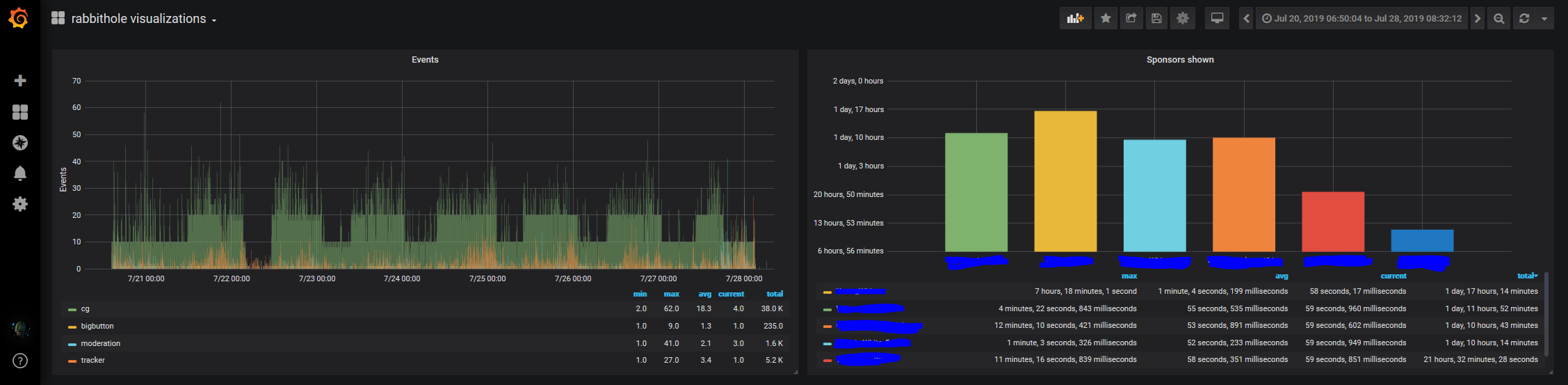
We needed a way to store a log of the RabbitMQ events sent during our events for graphing and evaluation purposes.
So I wrote this program.
It connects to a RabbitMQ server and a PostgreSQL server and stores the messages in there.
The messages stored are configurable using /app/appsettings.json or environment variables.
Application comes with the following equivalent default configuration
{
    "Logging": {
        "Debug": false
    },
    "ConnectionString": "", //Deprecated. Use a sql output instead
    "RabbitMQ": {
        "ConnectionString": "amqp://localhost/",
        "ChannelName": "rabbithole",
        "Bindings": [
            {
                "Exchange": {
                    "Name": "demo"
                },
                "Topic": "#"
            }
        ]
    },
    "Outputs": [
        {
            "Kind": "sql",
            "ConnectionString": "User ID=postgres;Password=password;Host=localhost;Port=5432;Database=rabbithole;"
        }
    ]
}
This showcases all possible settings and works fine for most development work. To override any settings, simply add a appsettings.json file with the overriding settings and it will load during startup.